UI+シェーダー【UI+ Shader】
- ダウンロード商品¥ 950
VRChat ワールド用の高度な UI シェーダー ▪ Advanced UI Shader for VRChat Worlds
日本語
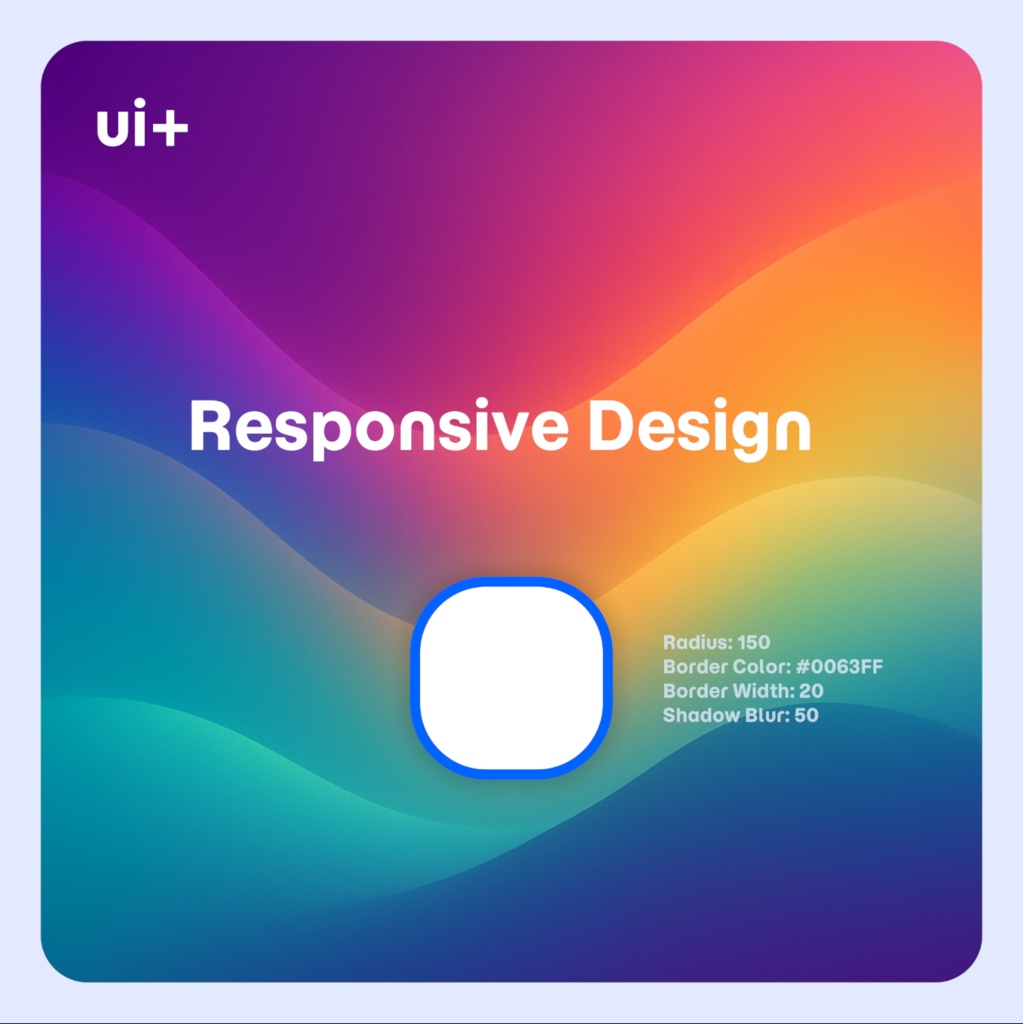
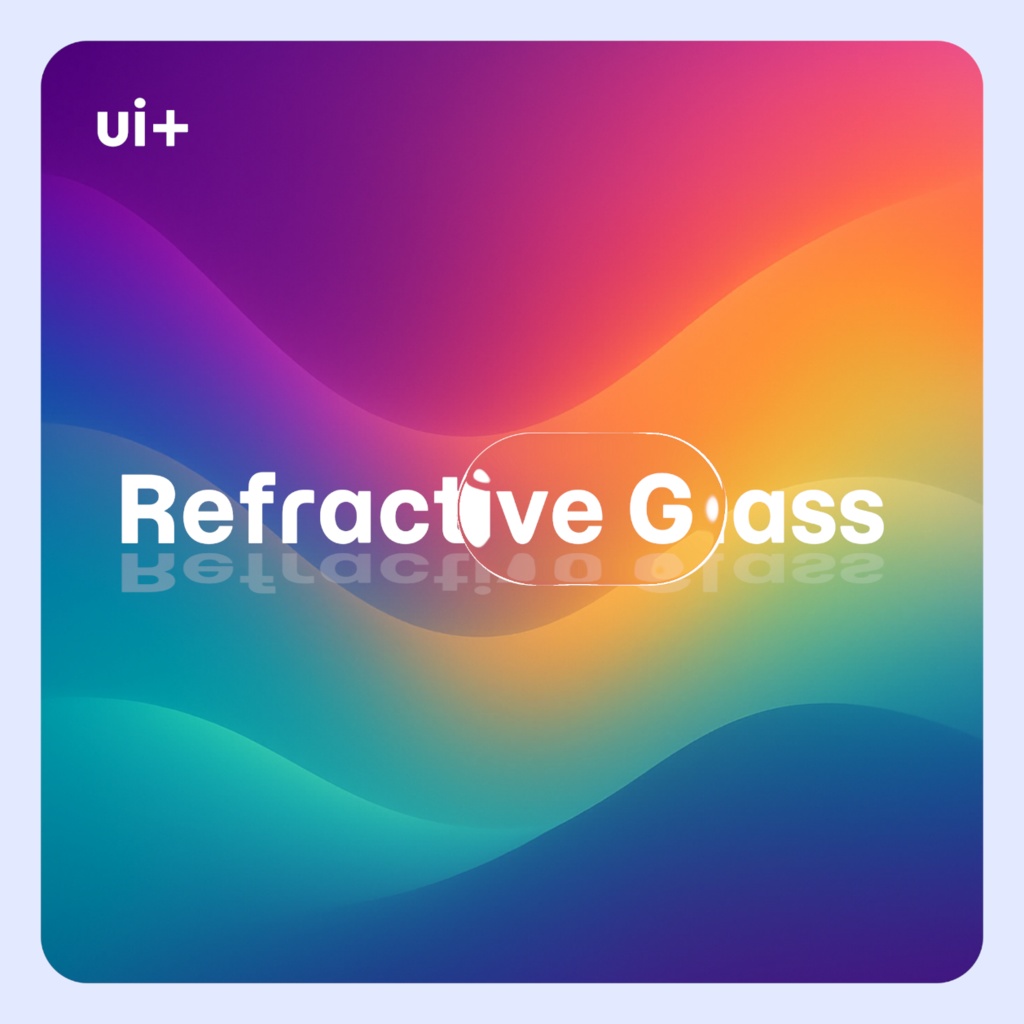
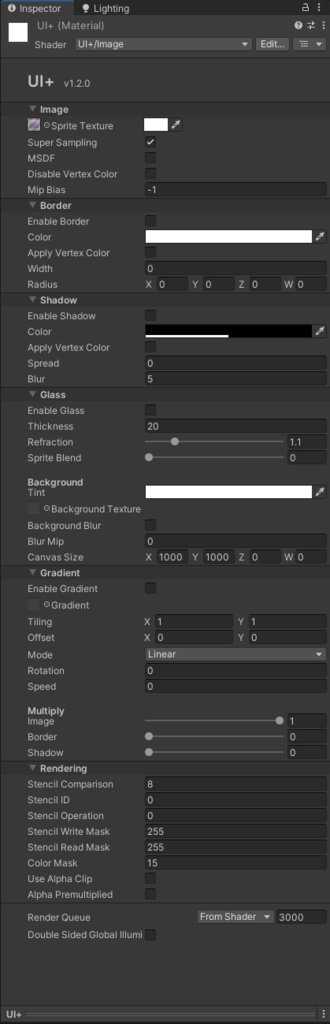
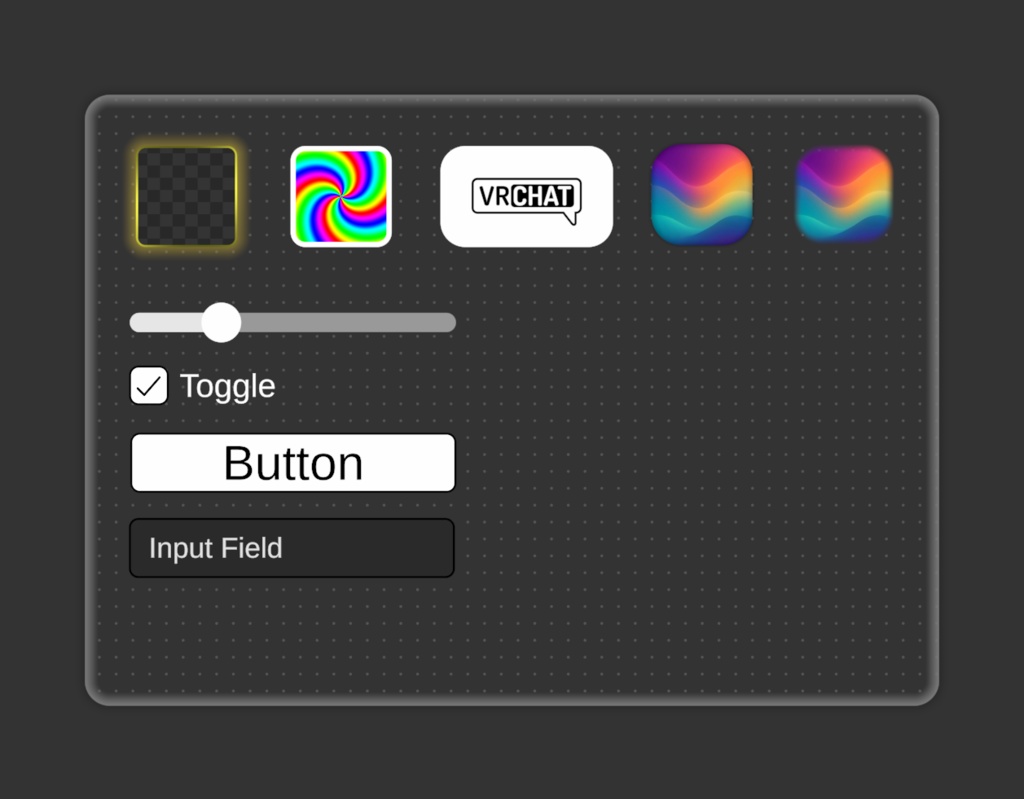
■ UI+ VRChat ワールド用の高度な UI シェーダー ▪ 🔗 VRChat ショーケース ワールド: https://vrchat.com/home/world/wrld_d86c4cca-1d13-49f6-af79-5ce997179a7c/info ▪ ✨ 特徴 - アンチエイリアス処理された丸い角 - 枠線の幅、色、ぼかし - ボックスのシャドウの広がりとオフセット - 屈折ガラス (2 モード - 静的テクスチャまたはグラブパス) - マルチチャンネル SDF テクスチャ - スーパーサンプリング - グラデーション (放射状、線形) - 視差深度 ▪ 📝 セットアップ - 「UI+/Image」シェーダーを使用して新しいマテリアルを作成します - キャンバス上の画像コンポーネントを割り当てます。 - 画像ゲームオブジェクトにコンポーネント「PositionAsUV1」を追加(重要) 追加のヘルプについては、付属のサンプル シーンを参照してください。 屈折ガラス - 通常モード (推奨): キャンバスの背景テクスチャを設定し、キャンバス サイズを調整します (画像は、キャンバス上に配置された背景の部分を覆います)。 - Grabpass モード: 背景の代わりに Grabpass を使用します (レンダー キューを手動で管理する必要があり、ぼかしオプションはありません) - キャンバス変換による回転を強調表示 海自 - msdfgen で生成された MSDF テクスチャをサポート: https://github.com/Chlumsky/msdfgen - MSDF テクスチャの sRGB を無効にし、高品質を有効にします (付属のテクスチャ インポーター プリセットを使用します) - これにより、解像度が低くてもより鮮明な画像が可能になります (TextMeshPro フォントに似ていますが、画像用です) グラデーション - 画像、境界線、またはシャドウレイヤーにグラデーションテクスチャを適用します - 時間の経過に伴う回転とタイリングを伴う放射状およびリニア UV ▪ 内容 - Canvas Image または RawImage コンポーネントの UI シェーダー: 「UI+/Image」および「UI+/Image Grabpass」 - サンプルシーン (すべての画像は Unity で撮影されました) ▪ 追加情報 - すべての画像には「PositionAsUV1」コンポーネントが必要です (コンポーネントの追加 -> UI -> エフェクト -> UV1 として位置)。このコンポーネントは、特定のシェーダ機能が適切に動作するために必要な追加の頂点属性を設定します。 - Canvas コンポーネントには追加のシェーダ チャネル「TexCoord1」、「Normal」、および「Tangent」が必要です (VRChat UI ではデフォルトでオン) - シェーダーは UI のみを目的としています (メッシュ レンダラーはサポートされていません) - 頂点カラー アルファは、キャンバス グループ アルファが機能するために、すべての個別のレイヤーを乗算します。境界線、シャドウ、その他のレイヤーを表示したままにするには、代わりに透明なスプライトを使用するか、マテリアルのカラー プロパティにアルファを設定します。 - 画像に影響を与えずに頂点カラー (イメージ コンポーネント カラー) を影、境界線などの他のレイヤーにのみ適用するには、画像の色合いを無効にし、特定のレイヤーで色合いを有効にします - シェーダー自体は VRChat 自体に依存関係がなく、組み込みまたはユニバーサル レンダー パイプラインを備えたスタンドアロンの Unity アプリケーションでも使用できます (サンプル シーンを除く)。ただし、適切な C# スクリプトを使用してこれを行うより良い方法があります。 - 一部のエフェクトでは、丸いボックス SDF が自動的に有効になり、境界線が無効になっている場合でも角の半径が適用されます。 - 「PositionAsUV1」の代わりに、スライス モードを有効にし、画像コンポーネントのピクセル プレユニット乗数で半径を調整するように「ホワイト スライス モード」スプライトを設定できます。ただし、追加の頂点データが欠落しているため、動作が異なります。 ▪ 制限事項 このシェーダーは、完全な C# スクリプトが欠如しているため、VRChat の特定の制限付きで作成されました。 - ボーダー/シャドウではイメージ タイプ「シンプル」のみがサポートされており、ほとんどの機能はスライスされたイメージの必要性を置き換えるために作成されました。スプライト アトラスも引き続きサポートされています - Rect Transform Pivot の変更は、すべての機能でサポートされているわけではありません (ただし、親 Rect Transform のピボットの変更は機能します) - 現在、シャドウ機能は不均一なトランスフォーム スケーリングでは機能しません - シャドウ距離が広いエフェクトでは、カリングと並べ替えに問題が発生する可能性があります (メッシュが押し出される) - Refractive Glass Grabpass シェーダを使用すると、レンダー キューの管理が難しくなる可能性があります - シェーダを UI と互換性のあるものにする試みが行われましたただし、Unity のすべての機能で動作することは保証できません ▪ UI+ を使用したプレハブ - https://github.com/z3y/ZPlayer ▪ 🛠️ 変更履歴 [1.4.2] - 2025-12-4 - テクスチャのアスペクト比を視差に適用してストレッチを修正しました [1.4.1] - 2025-12-2 - 背景のガラステクスチャの視差深度 - URP でのサポートをテストおよび確認済み (BasisVR で動作) - 頂点カラーが無効な場合にマテリアルカラーが無効になる問題を修正 - オプションのフォグを追加しました - カリングモードを追加しました - スライスモードの特別な使用例を追加しました [1.4.0] - 2025-11-27 - ガラスハイライトの最小最大調整 - ガラス境界線と通常の境界線の境界線のぼかしを調整できるようになりました - 影の塗りつぶしの切り替え - サンプルをさらに追加しました - 間違った TMP コンポーネントのサンプルを修正しました [1.3.1] - 2025-11-26 - ガラスのハイライト回転を追加しました [1.3.0] - 2025-11-25 - スプライトテクスチャに視差深度効果を追加しました - アンチエイリアシングの改善 - UI イメージ間のギャップを除去するのに役立つアンチエイリアス オフセット プロパティを追加しました - コーナーの反転トグル - さらにいくつかの例を含むシーン [1.2.0] - 2025-11-19 - 新しいシェーダーインスペクター - ボタンを修正してセットアップを迅速化 [1.1.0] - 2025-11-18 - グラデーションの追加 - 境界線が有効になっていないとシャドウが機能しない問題を修正 - 個々のレイヤーを頂点カラーで着色するオプションを追加しました [1.0.0] - 2025-11-11 - 初期リリース ▪ 利用規約 シェーダーのソース コードを含めずに、パブリックまたはプライベートの VRChat ワールド、またはその他の Unity アプリケーションのシェーダーを使用および変更することが許可されています。
English
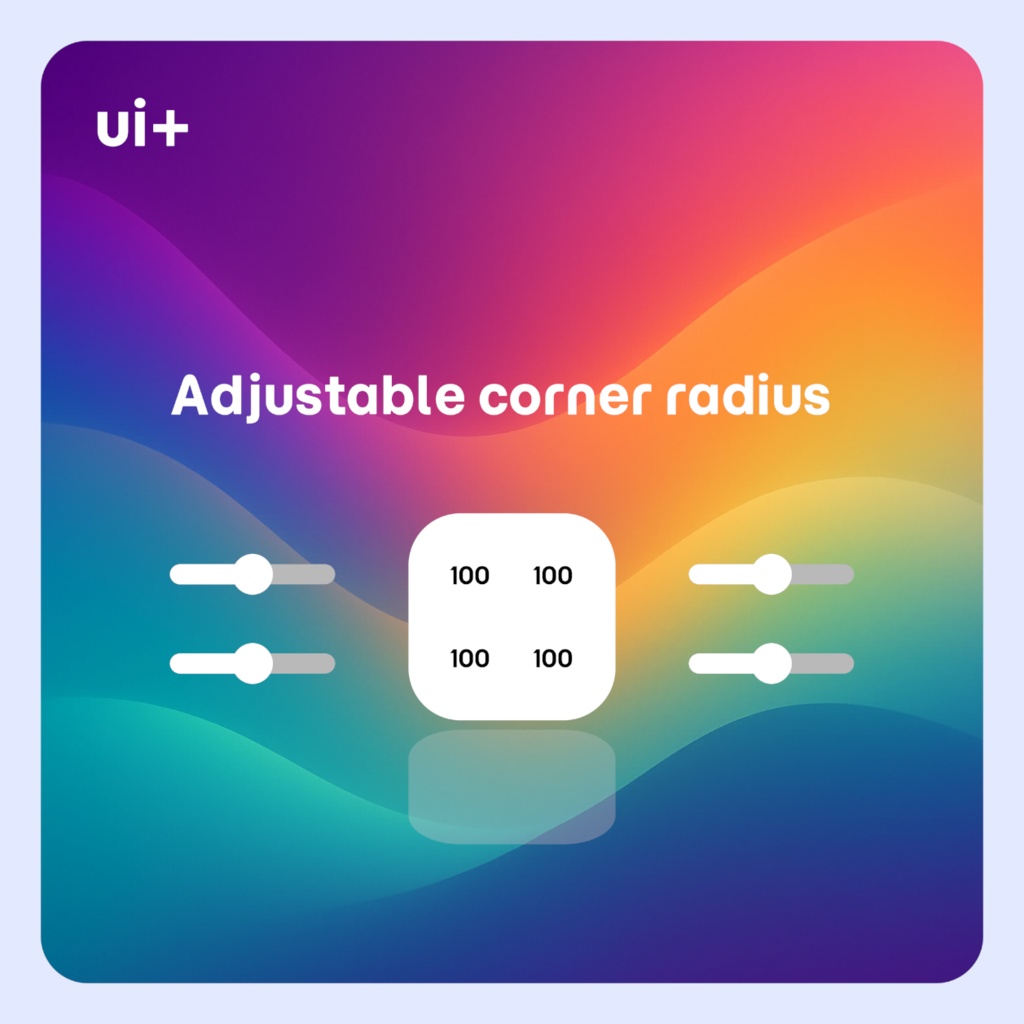
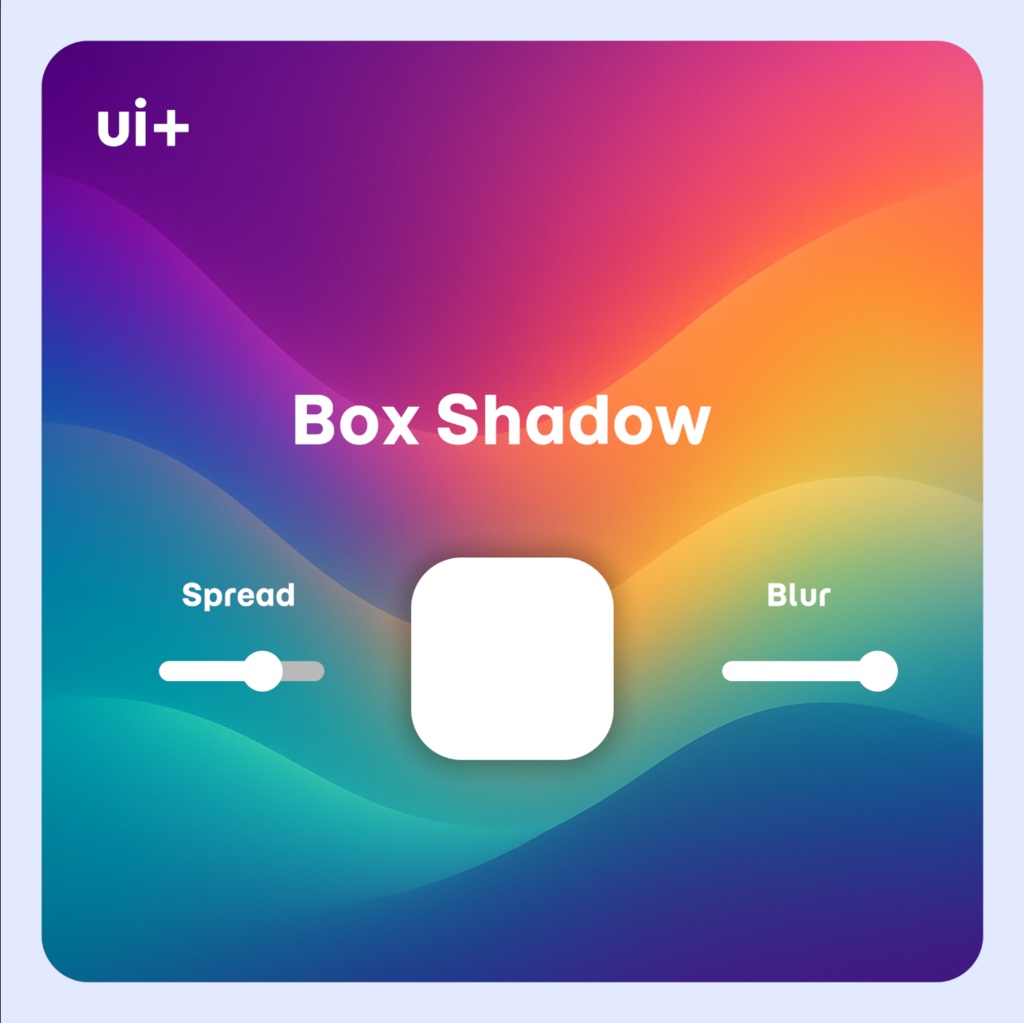
■ UI+ Advanced UI Shader for VRChat Worlds ▪ 🔗 VRChat Showcase World: https://vrchat.com/home/world/wrld_d86c4cca-1d13-49f6-af79-5ce997179a7c/info ▪ ✨ Features - Anti-Aliased rounded corners - Border Width, Color and Blur - Box Shadow Spread and Offset - Refractive Glass (2 Modes - Static Texture or Grabpass) - Multi-channel SDF Textures - Super Sampling - Gradient (Radial, Linear) - Parallax Depth ▪ 📝 Setup - Create a new Material with the ""UI+/Image"" Shader - Assign it an Image component on a Canvas - Add Component "PositionAsUV1" to the Image GameObject (Important) For additional help reference the included sample scene Refractive Glass - Regular Mode (Recommended): Set a canvas background texture and adjust the canvas size (the image will cover the portion of the background where its positioned on the canvas) - Grabpass Mode: Uses a Grabpass instead for the background (requires manually managing render queues, no blur option) - Highlight rotation with the canvas transform MSDF - Supports MSDF textures generated with msdfgen: https://github.com/Chlumsky/msdfgen - Disable sRGB on MSDF textures and enable high quality (use the included texture importer preset) - This allows sharper images with lower resolution (similar to TextMeshPro fonts but for an image) Gradient - Applies a gradient texture to the image, border or the shadow layer - Radial and Linear UVs with rotation and tiling with time ▪ Contents - UI Shader for Canvas Image or RawImage components: ""UI+/Image"" and ""UI+/Image Grabpass"" - Example Scene (all of the images were taken in Unity) ▪ Additional Info - Every Image requires a "PositionAsUV1" component (Add Component -> UI -> Effects -> Position As UV1). This component sets additional vertex attributes that are required for certain shader features to work properly - Additional shader channels "TexCoord1", "Normal", and "Tangent" are required on the Canvas component (On by default on VRChat UI) - Shader is only meant for the UI (mesh renderers are not supported) - The vertex color alpha has multiply all the individual layers in order for canvas group alpha to function. To keep borders, shadow and other layers visible use a transparent sprite instead or set the alpha on the material color property - To only apply vertex colors (Image Component Color) to other layers like the shadow, border without affecting the image, disable image tint and enable tint on the specific layer - The shader itself does not have any dependencies on VRChat itself and can be used in a standalone Unity application with the Built-In or Universal Render Pipeline as well (excluding the example scene), however theres better ways to do this with proper C# scripting - Some effects automatically enable the rounded box SDF, the corner radius gets applied even if the border is disabled - As an alternative to the "PositionAsUV1" you can enable Sliced Mode and set the "white-sliced-mode" sprite to adjust the radius with a pixel pre unit multiplier on the image component, however it will behave differently as the additional vertex data is missing ▪ Limitations This shader was created with certain VRChat limitations, due to lack of full C# scripting: - Only Image Type "Simple" is supported with borders/shadows, most the features were made to replace the need for sliced images. Sprite atlas is also still supported - Changing the Rect Transform Pivot is not supported with all features (changing the pivot of a parent Rect Transform works however) - The shadow feature does not work with non uniform transform scaling currently - Wide shadow distance effects might have issues with culling and sorting (the mesh gets extruded) - Managing the Render Queue can be harder with the Refractive Glass Grabpass shader - An attempt was made to make the shader compatible with UI as much as possible, but I can not guarantee it works with every Unity feature ▪ Prefabs using UI+ - https://github.com/z3y/ZPlayer ▪ 🛠️ Changelog [1.4.2] - 2025-12-4 - Applied texture aspect ratio to parallax to fix stretching [1.4.1] - 2025-12-2 - Parallax depth for the background glass texture - Tested and confirmed support in URP (Works in BasisVR) - Fixed material color getting disabled when vertex color is disabled - Added optional fog - Added cull mode - Added a special use case for sliced mode [1.4.0] - 2025-11-27 - Glass highlight min max adjustment - Border blur is now adjustable for glass and regular border - Shadow fill toggle - Added more samples - Fixed sample incorrect TMP component [1.3.1] - 2025-11-26 - Added glass highlight rotation [1.3.0] - 2025-11-25 - Added parallax depth effect for the sprite texture - Improved Anti-Aliasing - Added Anti-Aliasing offset property which can help remove the gap between UI Images - Invert corners toggle - Scene with few more examples [1.2.0] - 2025-11-19 - New shader inspector - Fix buttons for faster setup [1.1.0] - 2025-11-18 - Added Gradients - Fixed Shadow not working without borders enabled - Added options to tint individual layers with vertex colors [1.0.0] - 2025-11-11 - Initial Release ▪ Terms of use You are permitted to use and modify the shader for public or private VRChat worlds, or any other Unity application, without including the shader source code.